

Send and receive money with Zelle®
A convenient way to send money to friends, family, and others you trust, even if they bank somewhere different. Payments between enrolled users typically arrive in minutes.1
Log In to Online BankingOr download the State Bank app:
Enroll with Zelle®
Sign in
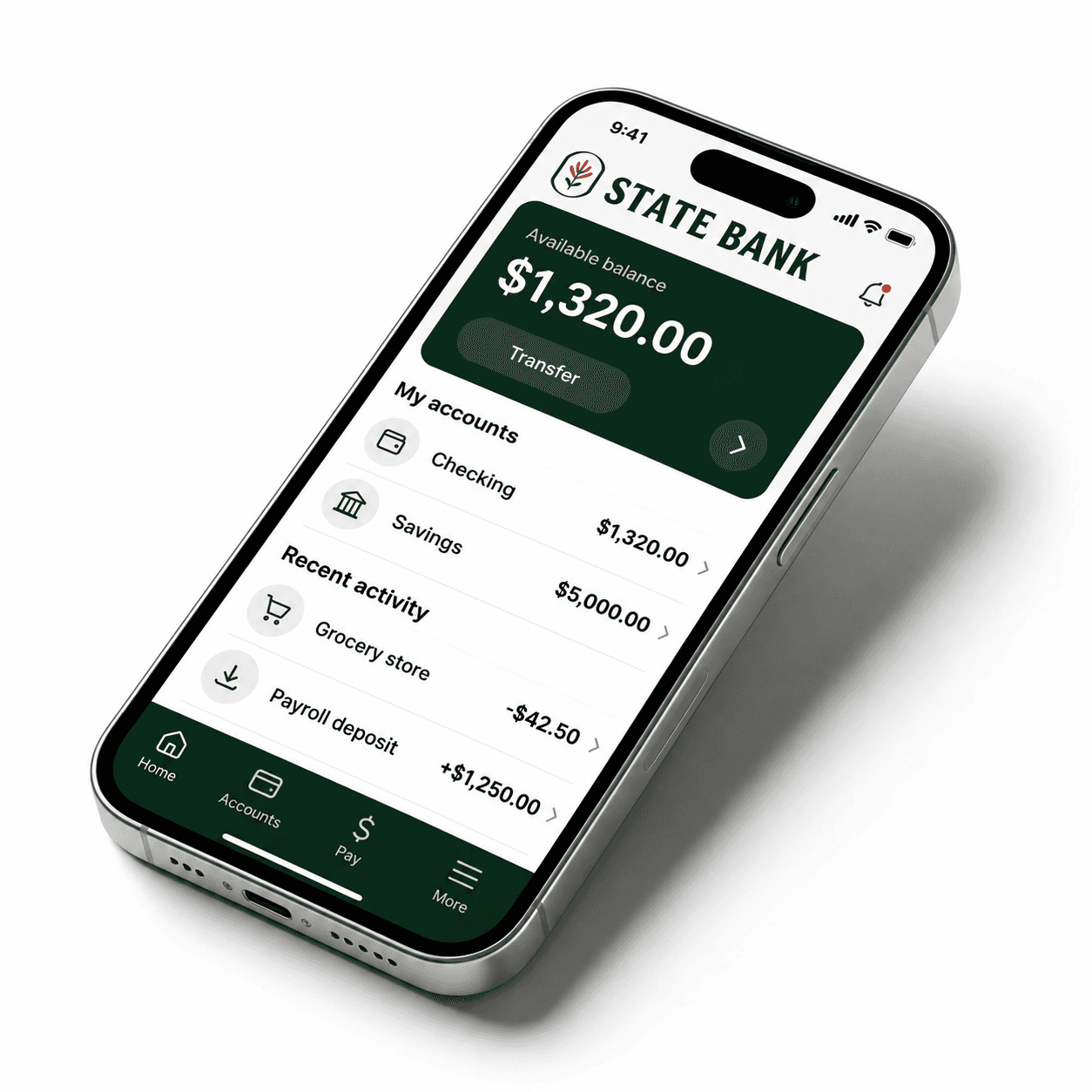
Log in to the State Bank app. You can also enroll and use Zelle® through online banking in your browser.
Find Zelle®
In the app's main menu, select “Transfer and Pay,” then “Send money with Zelle®.”
Enroll your contact information
Follow the prompts to enroll your email address or U.S. mobile number. You're ready to send and receive money.
Frequently asked questions
How do I send or request money?
In the State Bank app, select “Transfer and Pay,” then “Send money with Zelle®.” To send money, choose a trusted recipient using their email address or U.S. mobile number, enter the amount and an optional note, review the details, and select “Send.” To request money, select “Request” and follow the prompts. If the person is not yet enrolled, use their email address to request money.
Someone sent me money. How do I receive it?
If you are already enrolled, the money is sent directly to your State Bank account, typically within minutes. If you have not enrolled, sign in to the State Bank app or online banking and enroll with Zelle® using the same email address or U.S. mobile number where you received the payment notification.
Can I use Zelle® in online banking?
Yes. You can enroll and use Zelle® through State Bank online banking in a web browser as well as through the State Bank app. Use the online banking link above to sign in and access Zelle®.
Is my information secure?
When you use Zelle® within the State Bank app, your information is protected with the same technology we use to keep your State Bank account safe.
Who can I send money to?
Use Zelle® with friends, family, and others you know and trust who have an eligible account at a participating U.S. bank or credit union. Always check the recipient’s email address or U.S. mobile number before sending. Neither State Bank nor Zelle® offers a protection program for authorized payments, such as purchases where the item does not arrive or is not as described.
Can I pay a small business with Zelle®?
Some small businesses accept Zelle®. Ask the business first, then use its enrolled email address or U.S. mobile number to pay through the State Bank app. Only send money to businesses you trust; Zelle® does not offer purchase protection for authorized payments.
Can I use Zelle® internationally?
No. Both the sender’s and recipient’s bank or credit union accounts must be based in the U.S.
Can I cancel a payment?
You can only cancel a payment if the recipient has not yet enrolled with Zelle®. In your activity, select the pending payment and look for “Cancel This Payment.” If that option is unavailable, or you sent money to the wrong person, call State Bank immediately at (307) 875-5070. Payments to enrolled recipients cannot be canceled.
Are there any fees?
State Bank does not charge fees to use Zelle® in our mobile app. Your mobile carrier’s messaging and data rates may apply.
What if the recipient's bank doesn't offer Zelle®?
Both you and your recipient must enroll through a bank or credit union that offers Zelle®. The standalone Zelle® app no longer supports sending or receiving money. Check the list of participating banks and credit unions.
Need help? Call State Bank at (307) 875-5070.
1 U.S. checking or savings account required to use Zelle®. Transactions between enrolled users typically occur in minutes.
Zelle® and the Zelle® related marks are wholly owned by Early Warning Services, LLC and are used herein under license.